
Asset and Equipment Lockers
Pitney Bowes asset and equipment lockers help organisations manage shared devices, operational equipment and high-value assets across workplaces, operational sites, healthcare environments and secure facilities.


Common asset & equipment locker uses






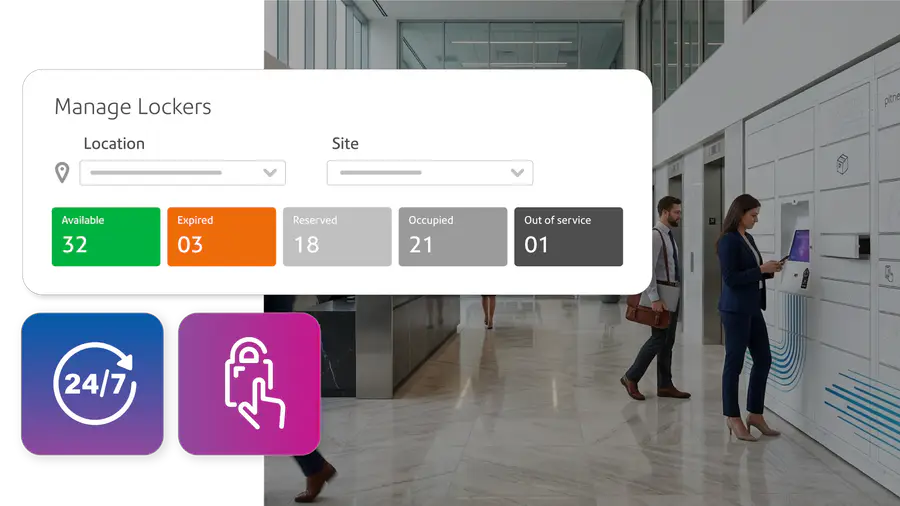
Asset tracking & accountability visibility
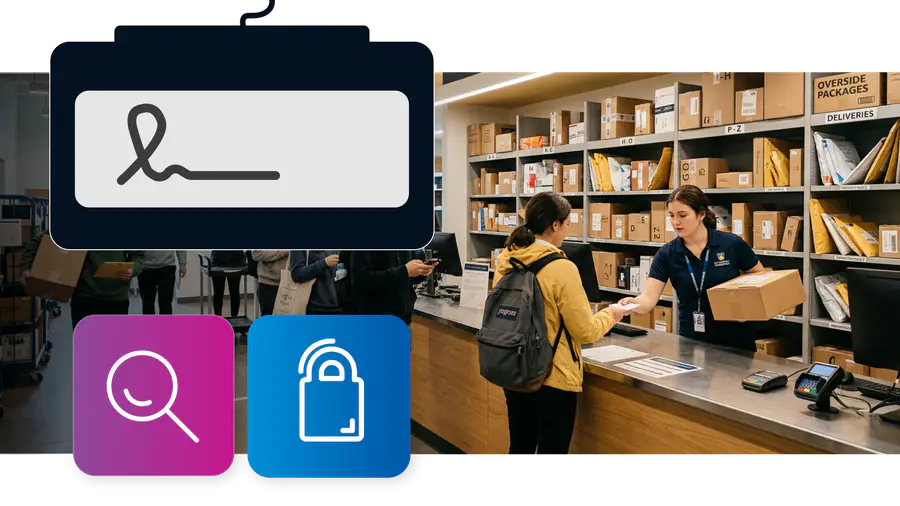
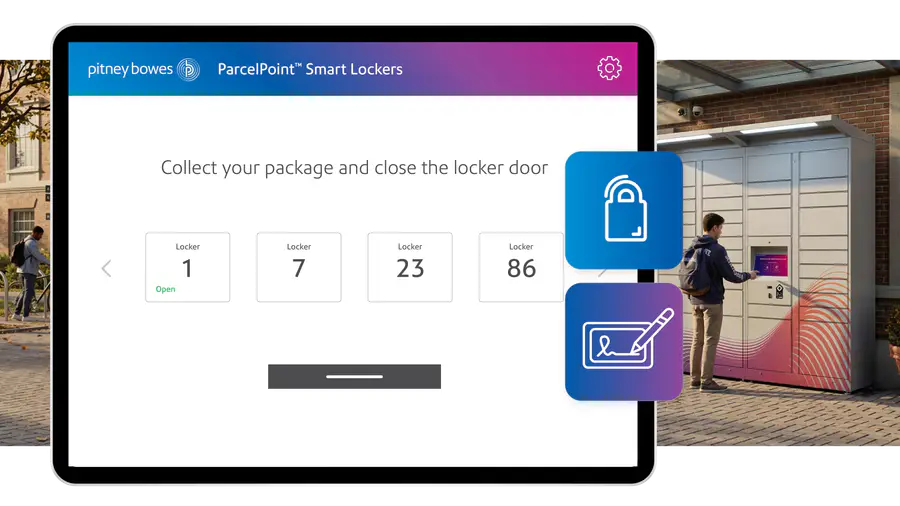

What asset and equipment lockers help reduce
- Lost or unreturned equipment
- Lack of accountability for shared assets
- Manual sign-in and sign-out processes
- Limited visibility across locations
- Delays during shift changes
- Untracked equipment usage
- Unsecured high-value assets
- Difficulty managing shared IT equipment
- Missing tools and operational downtime
- Asset disputes and incomplete records
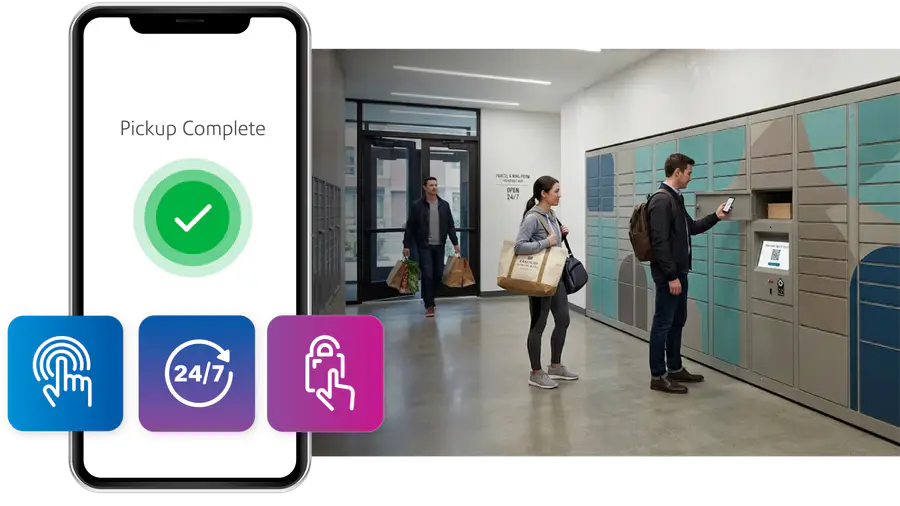
Contactless pick-up with Pitney Bowes lockers
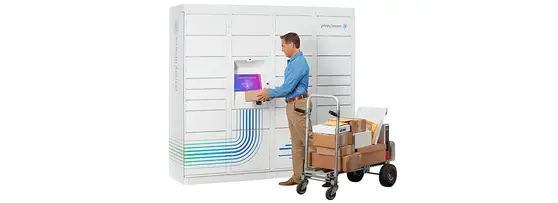
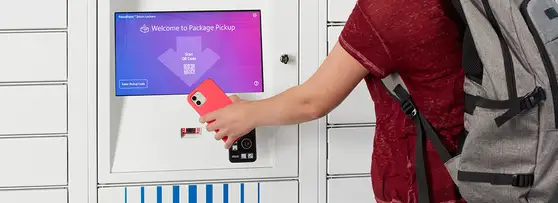
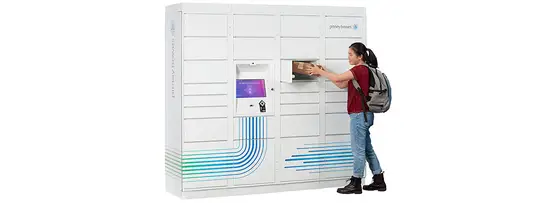

Configured around your assets building, users and operations
- Small compartment device lockers
- RFID-enabled access workflows
- Badge access integrations
- Indoor operational locker banks
- Multi-site deployments
- Secure evidence compartments
- Audit and reporting integrations
- Configurable user permissions
- Automated notifications and escalation workflows
Frequently Asked Questions
What are asset and equipment lockers used for?
Pitney Bowes asset and equipment lockers help organisations manage shared devices, operational equipment and high value assets through controlled issue and return processes. Common uses include laptops, tablets, scanners, radios, tools, uniforms, pharmaceuticals, evidence storage and shared workplace assets.
Can asset lockers track who collected equipment?
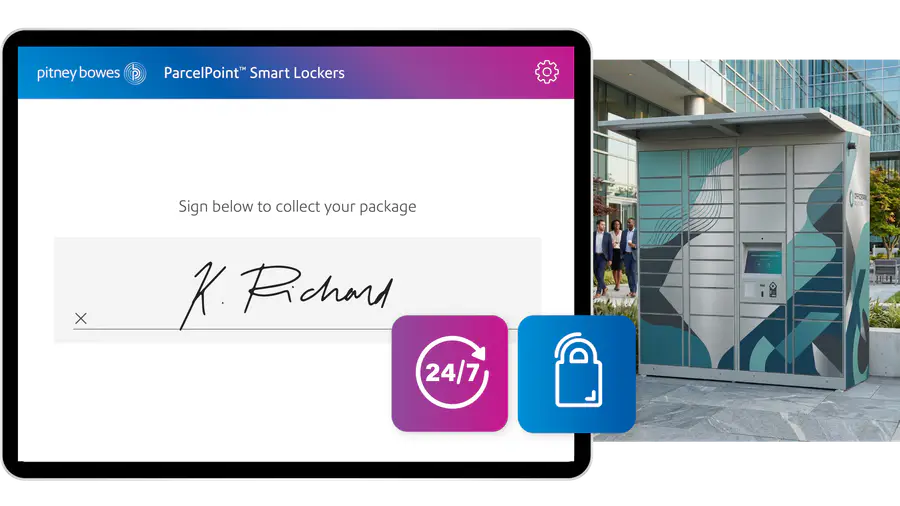
Yes. Pitney Bowes locker software supports user accountability through collection verification, audit records and searchable activity history across users, departments and locations.
Can lockers manage shared laptops and tablets?
Yes. Pitney Bowes asset lockers can support the secure issue, return and charging of shared IT equipment including laptops, tablets, mobile devices and handheld scanners.
Can asset lockers integrate with badge access systems?
Yes. Pitney Bowes asset lockers can support badge access, PIN codes, QR codes and barcode verification to help maintain controlled access and user accountability.
Can lockers support chain-of-custody workflows?
Yes. Pitney Bowes locker software supports chain-of-custody visibility through collection verification, audit tracking, user records and searchable locker activity history.
Can asset lockers support healthcare and pharmaceutical environments?
Yes. Pitney Bowes asset lockers can support controlled access across healthcare buildings, pharmacies, laboratories and operational healthcare environments where accountability and secure access are important.
Can evidence or sensitive items be secured in lockers?
Yes. Pitney Bowes asset lockers can support controlled storage, restricted user access and audit visibility for sensitive operational assets and evidence-based environments.
Can lockers help reduce lost or unreturned equipment?
Yes. Pitney Bowes asset lockers help organisations improve accountability, reduce misplaced equipment and maintain visibility across shared operational assets.
Can asset lockers support shift-based equipment issue?
Yes. Pitney Bowes asset lockers can support self-service equipment collection and return across shift workers, operational teams and out-of-hours environments without relying on manual handovers.
Can asset lockers operate across multiple locations?
Yes. Pitney Bowes locker software helps organisations manage locker activity, users and asset management across multiple buildings, departments and operational sites from one platform.
Can asset activity be audited?
Yes. Pitney Bowes locker software supports searchable audit records, collection verification history and operational reporting across asset issue, return and locker activity.
Can access permissions be controlled by user or department?
Yes. Pitney Bowes locker software supports configurable user permissions and controlled access management across departments, locations and approved user groups to help maintain secure asset access.