
Hero Module
Documentation and reference for the pbu-hero-module.
Component Docs
Hero Module Description
This component allows the creation of a customizable CTA buttons and Texts.
Background gradient has different colors gradients and image selection option.
In the CTA we can add link and link text with the different styles. On the click of button, we can configure link to open in new tab or in the same window.
We can add background images and text over the image.
CTA option can be used for many purpose, just like contact us, Learn How etc.
Following are some of the examples of Hero Module.
No Gap and Light text
Component layout which has background-gradient: Blue to Cyan and Style is: No Gap and Light Text
So bottom margin will get removed as applied style is No Gap.
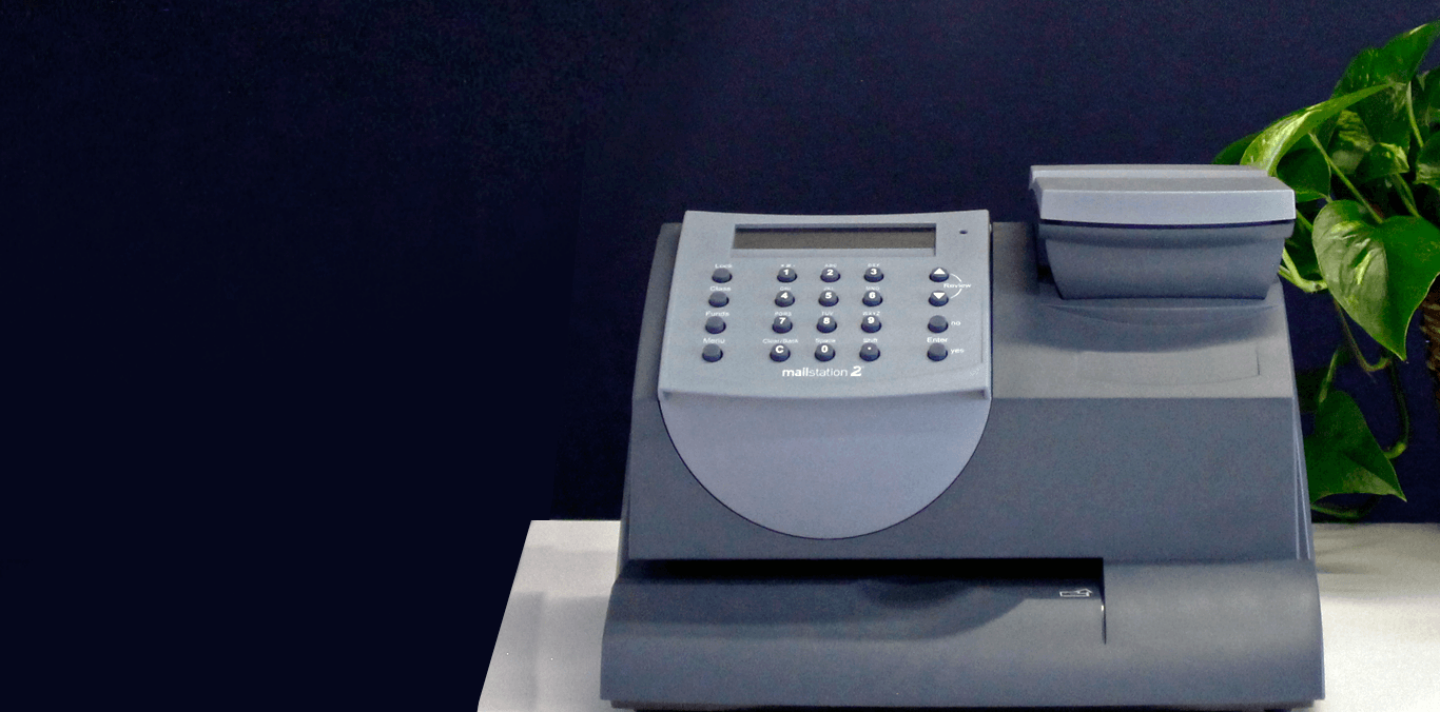
Lighten Image
Selected style is Lighten Image so text should appear dark on the image and image will get lighten.
Style: Lighten Image and Top Gap
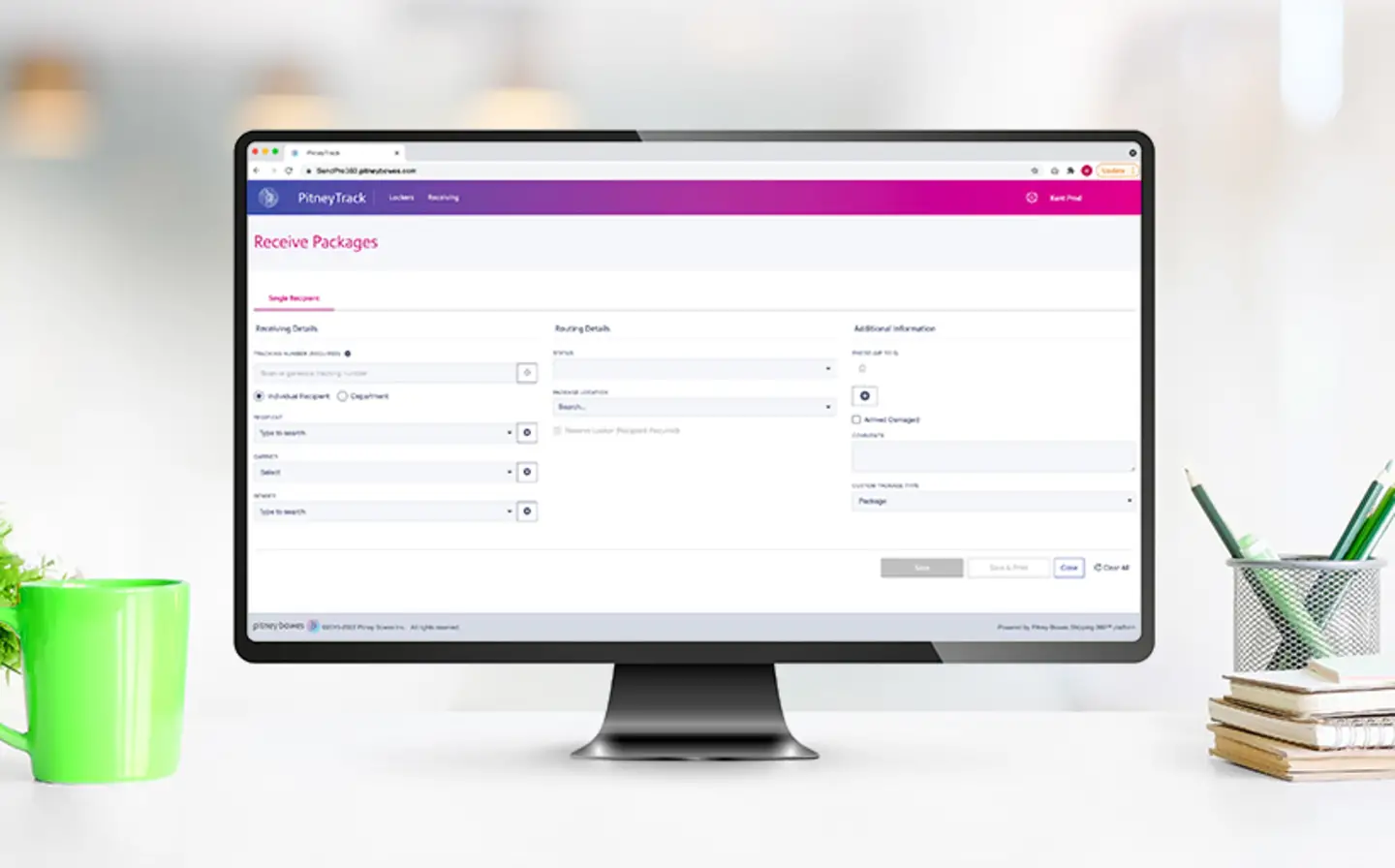
Image darken and Light Text
Selected style Image darken and have added Light text on it, so on the dark image white text will display.
Style: Image darken and Light Text
What if a logistics vendor flexed to meet your needs?
Selected background: Cyan to Pink, added CTA
Hero Intro Headline
No Gap and Hero Intro Headline
Selected gray gradient background and style: No Gap and Hero Intro Headline
On the gray background default text is appearing dark
CTA with different colors
Added two CTA having different colors and Text
Click on buttons for navigating to particular section
Background-gradient is Violet to Orange.
Contact us
Get in Touch With Us
To request further information on any of our Ecommerce products or services, simply complete the contact form below.
If you are a consumer inquiring about the status of your package, please follow this link for further instructions
Style: background-gradient- none, Style: Hero Intro Underline