
Mailstream On Demand
Find solutions
 Top Articles
Install & Setup
Using Your Product
Fixing & Maintenance
Reporting, History & Accounting
Top Articles
Install & Setup
Using Your Product
Fixing & Maintenance
Reporting, History & Accounting
Top Articles
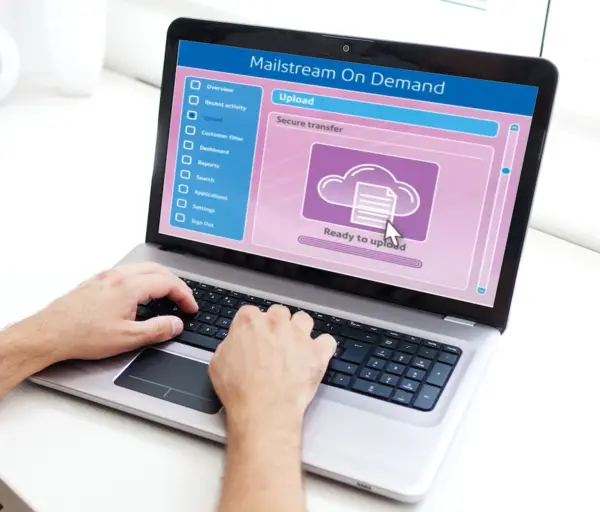
You can submit a job into Mailstream On Demand using our quick job create tool. You can also view all submitted jobs, status, errors and triggers.
Navigating and using Mailstream On Demand.
Installation, Setting Up & Drivers
Divisions are subsets of your enterprise, which is the topmost level of your organization. Each division can contain multiple locations within it.
Administrators can add, edit, delete, import, and export users of the system as needed.
Features & Settings
You can change the system language between English and French.
Enterprise administrators can set the period of time after which users will be signed out of the system if they are not using it. This setting applies to all users.
You can create different roles to define the tasks that users are allowed to perform. Each user is assigned a role.
You can add custom fields to your dashboards and also edit and delete them.
You need to sign in in order to use the system.
Navigating and using Mailstream On Demand.
Mailing & Shipping
You can submit a job into Mailstream On Demand using our quick job create tool. You can also view all submitted jobs, status, errors and triggers.
Errors & Troubleshooting
Viewing errors and unsent jobs.
Reporting, History & Accounting
In Mailstream On Demand, you can export job or mailpiece reports.
In Mailstream On Demand, you can schedule reports and have them emailed to multiple recipients.
Documents and Software
For information on service offerings and level of support, download the Pitney Bowes Technical Support Overview