
Troubleshooting Poor Print
Several factors can contribute to poor print quality: lack of use; overuse; low ink, empty ink cartridge; the wrong type of ink.
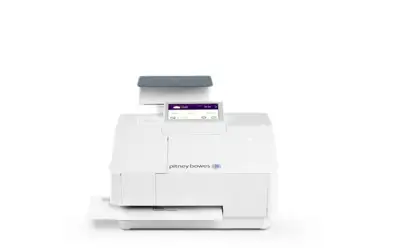
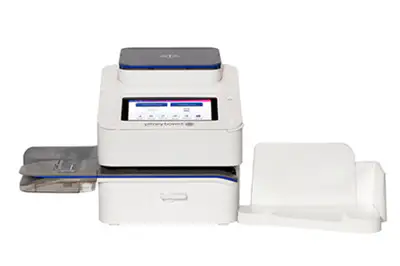
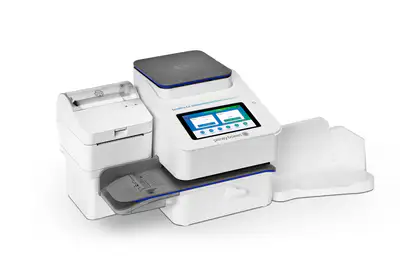
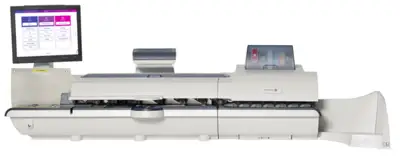
For help to fix poor print issues, select your meter or software for details:

Why Buy Genuine Pitney Bowes Ink?
When you print postage on your envelopes, it’s critical to your business that the print quality is accurate, clean and readable. By using original Pitney Bowes ink, you can be confident the USPS® will recognize the postage as genuine; your mail gets delivered and you don’t waste postal funds. Using genuine Pitney Bowes ink saves you time, effort and enhances the professional image of your business.